
VISIWARE / VisiAutomation

Give repetitive work a different pace.

VisiAutomation is Visiware's activity dedicated to Robot Desktop Automation and RPA. We design software robots for the applications and procedures already used in your office.

RPADesktop automationOCRBack office
Discuss your project
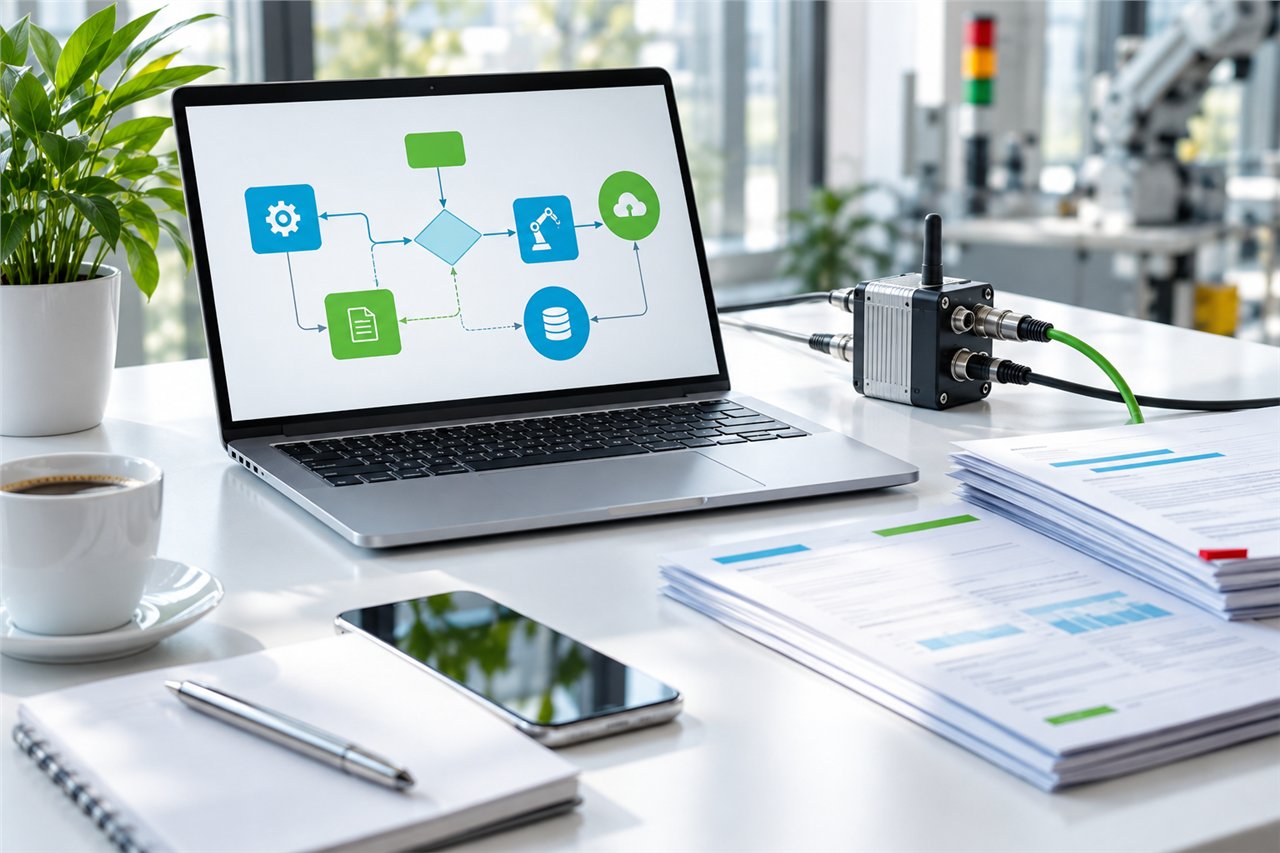
Automation concept connecting applications, documents and sensors

Connect the applications you use

Business applications, spreadsheets, PDF documents, email and web portals often require the same data to be entered several times. We build workflows that retrieve information, apply rules and place it where it is needed. Screen automation can also help with systems without APIs, subject to a feasibility assessment.

Documents and data with explicit checks

OCR and screen recognition can assist with reading and transferring information. Incomplete data or values outside agreed rules need a checking step or an operator handover. AI is integrated where useful, with clear limits on automated decisions.

  • Reading and organising email and attachments.
  • Extracting document data and updating records.
  • Completing forms and consulting portals.
  • Producing reports and highlighting exceptions.

Within your operational environment

We assess local installations when project requirements call for data to remain within the business infrastructure. Access, credentials, permissions and external service dependencies are part of the analysis. Robots are tested against the actual applications involved.

Visit the VisiAutomation website
POSSIBLE APPLICATIONS

From a need to a project.

Examples of how these capabilities can be applied. Scope is defined around your specific case.

01

From email to business software

A workflow retrieves attachments, checks required fields and prepares a new record. Unrecognised cases are left for an operator to review.

02

Price lists and orders

Spreadsheet data is transformed according to business rules and transferred to the application used to prepare orders.

03

Portals and reports

An authorised procedure consults a portal, collects results and updates an operational summary, highlighting unfinished items.

A few questions before we start.

Can a robot operate any application?

Compatibility is checked against the specific applications and access arrangements. Interface updates, service restrictions or interactive authentication may require changes or human intervention.

Can the data stay on premises?

This can be assessed during design. It depends on the applications involved and any features that require external services.

CONNECTED CAPABILITIES
THE NEXT STEP

Let's start with a good question.

Which task would you like to simplify, connect or make more visible? Tell us about it: this is where the project begins.

Let's talk about your project